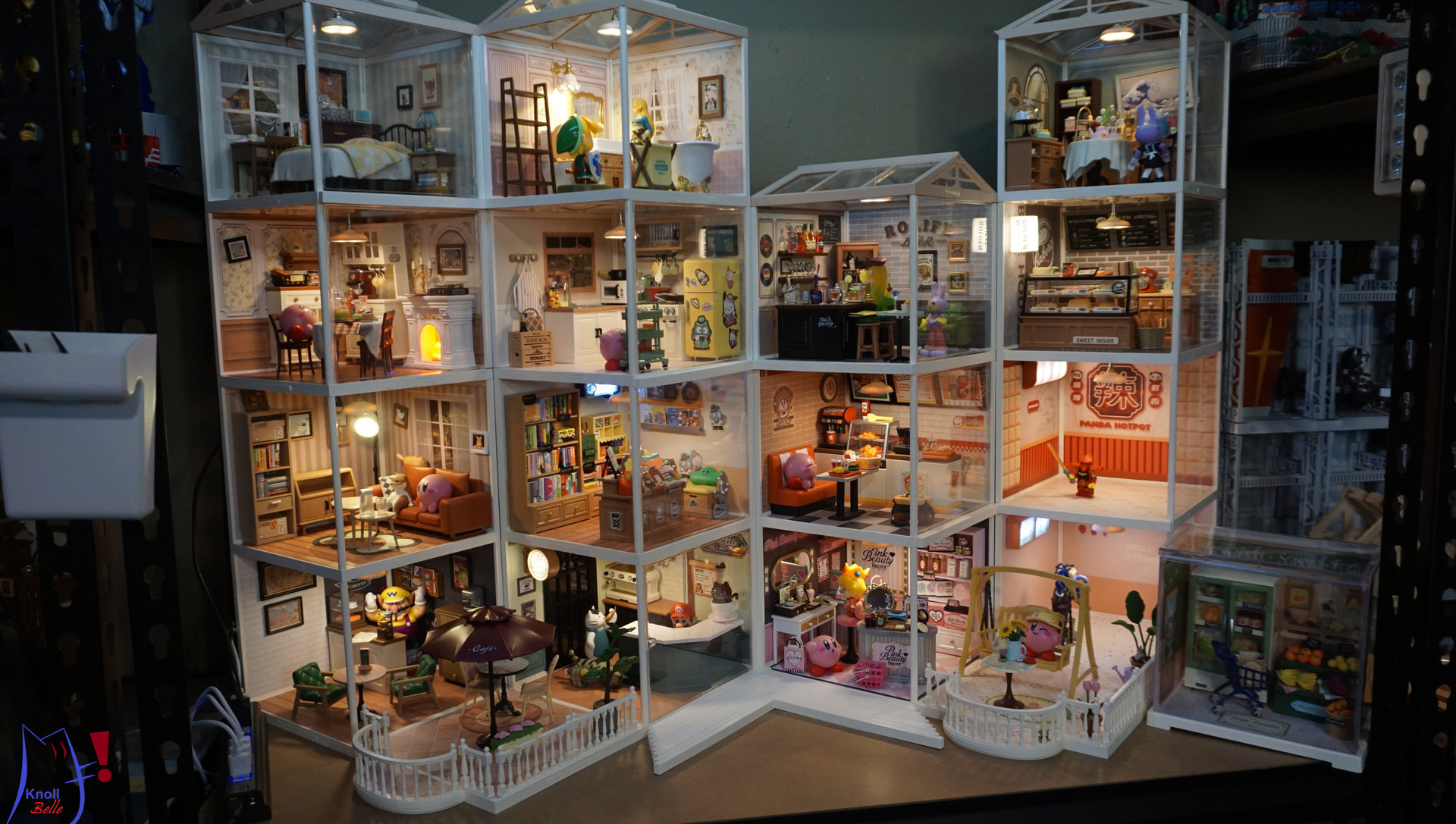
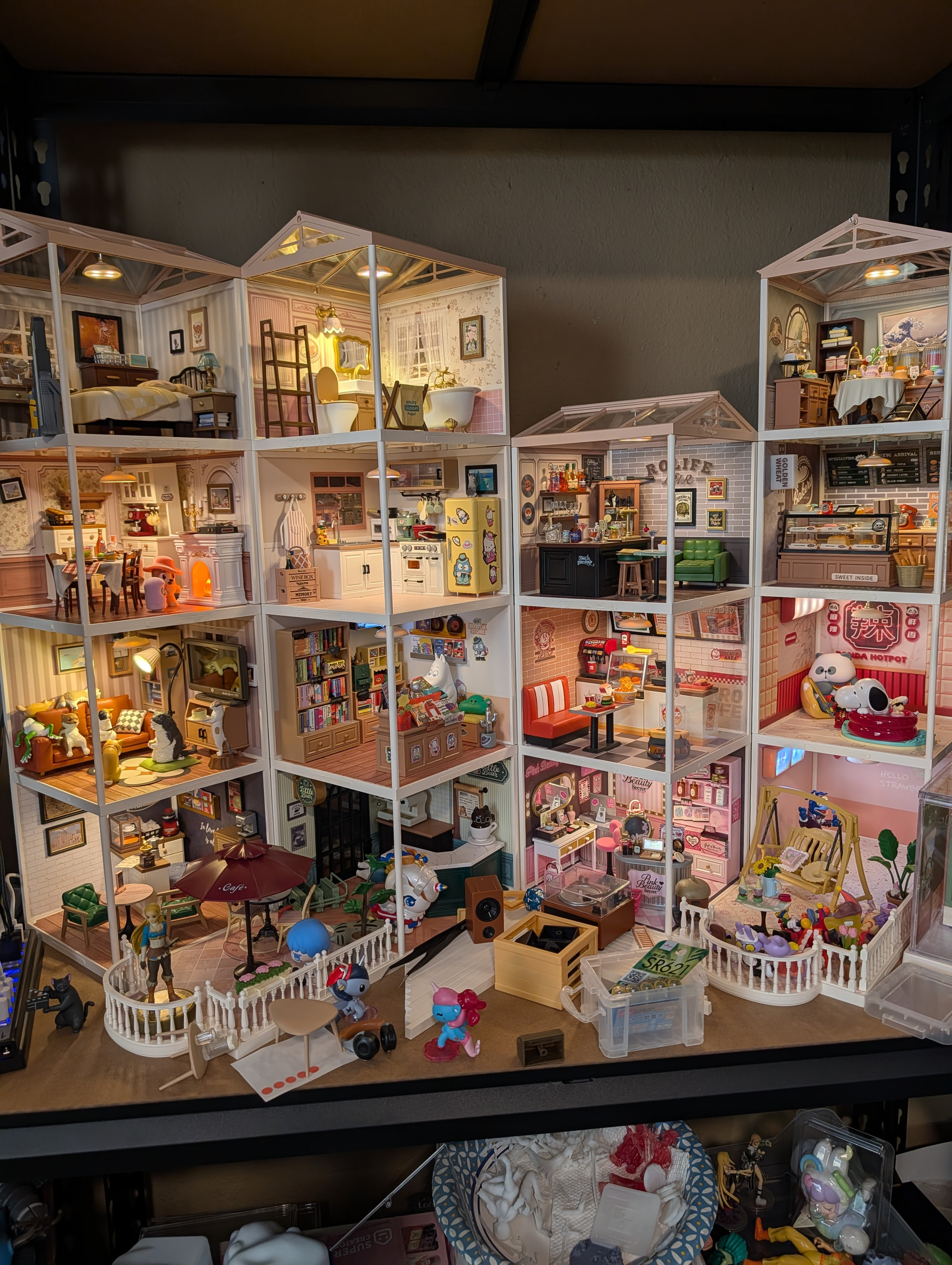
When i connect like this not all of the lamp will light up. After trial and error i need two source of plugs for the whole kit to lit up. Any idea how to connect the cable so that only 1 plug needed?
Wow! That is a lovely collection. I only wish that I could help you out with your problem. Welcome to the group. I hope that somebody with better knowledge of the issue at hand can help you
Oh my! You have so many! I only have 4 sets and was able to turn all the lights on with only one power source. Maybe there is a limit to how many can be connected. Maybe @CustomerService can help?
I think there is a power conflict. When there are too many units, I think you should separate them into clusters, each cluster will connect to a USB source. This will ensure enough power.
This is a great collection I can’t help you with your question, unfortunately, but I’m sure you’ll get an answer. Did the clustering tip from @ThaoNguyen help?
I’m not an expert but my guess is that you have gone over the limit of how much power your USB can put out. They probably didn’t expect someone to plug in that many.
I don’t know what you can do besides using more than one plug in. It’s not good to overload the circuit. It can create heat.
Welcome to the community, @Nene! You have such an impressive collection — it looks amazing! As for the lights, it sounds like the kit’s power lines might be split into two separate circuits. Sometimes that happens if the LEDs are divided by sections that each need their own power feed. I’m sure @CustomerService will help you with this
We recommend using 4–5 units of this product in series for the best performance, with a maximum of up to 9 units. Currently, you are using a larger number of units, and with a 5V 1A power supply, it may not provide sufficient power, which could affect normal operation.
Just an idea… why don’t you connect them in separate vertical groups ? So each column uses a separate socket ND that way you don’t have to struggle with power distribution.
I found that more than 8 units is too much drain on a standard USB cable. You will need a second powered connection for every 8 units. I bought a USB powered hub and connect them into that. That way I can turn off the hub and the whole thing turns off.
I also display them in a more open way for photography reasons. They are less stable but I am working on a hack for that.
This is the one I found on Ali exp. It plugs into a power strip usb plug and seems to work fine. The problem is having too many in series and it’s too much draw to get all of them. So you create parallel lines of less in a series. Now one outlet can cover all of them and more.


 I can’t help you with your question, unfortunately, but I’m sure you’ll get an answer. Did the clustering tip from